
No cooling, a leak or a quote: which call do you return first?
Add one question to your call form and every message arrives marked urgent or not. Here is how to set it up without promising a time you cannot keep.
November 6, 2026 · 2 min read · aiReceptionist editorial
Every message looks the same in a voicemail box. A field that asks “Is this urgent?” puts the 88-degree house at the top of your list.
Three callers: HVAC, handyman, and home services
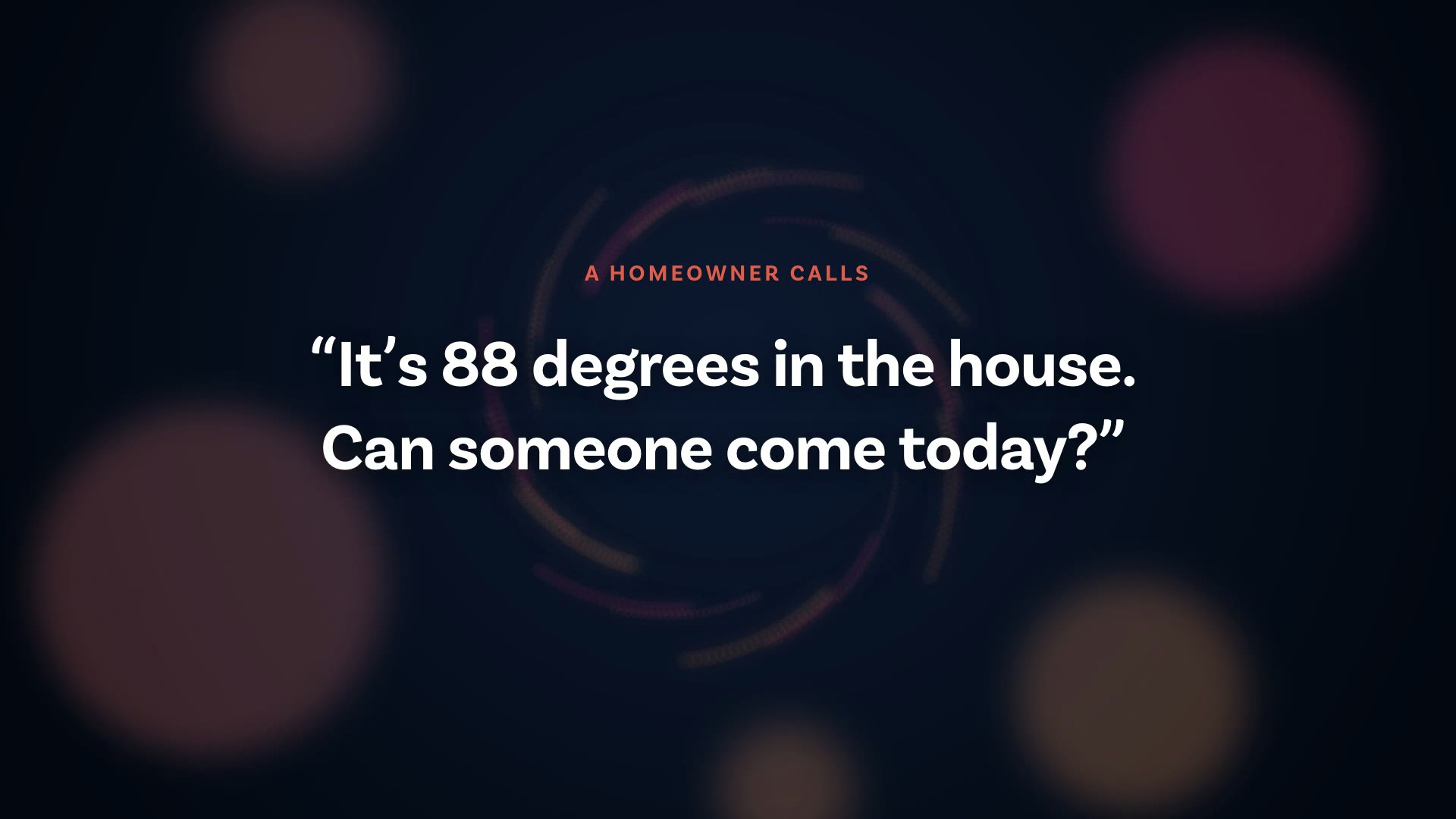
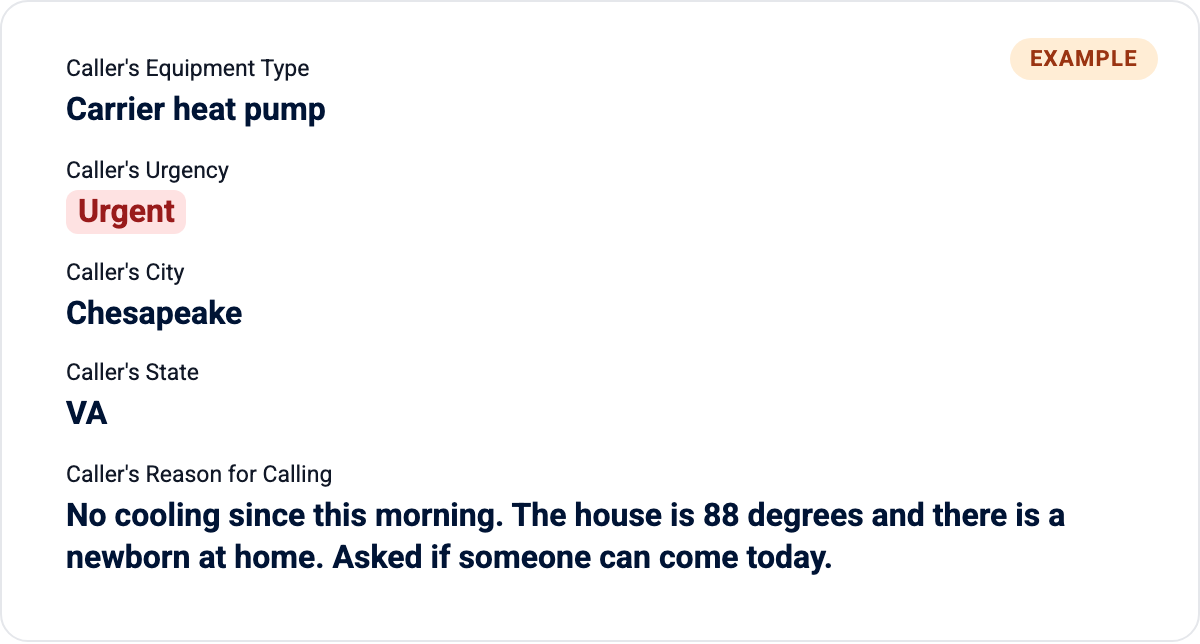
- HVAC: “It is 88 degrees in the house. Can someone come today?” Urgent, but only the schedule can say when. The receptionist marks it and never promises a time.
- Handyman: “The storm door is hanging off one hinge. Can you fix it this week?” Soon, not an emergency. A set option says so, and it waits its turn.
- Home services: “Water is coming through the kitchen ceiling.” Urgent. Mark it and get it to the on-call plumber.
The no-cooling call from a family with a newborn sits behind a question about air filters. You find out which mattered only after you have listened to all of them.
One field fixes the order
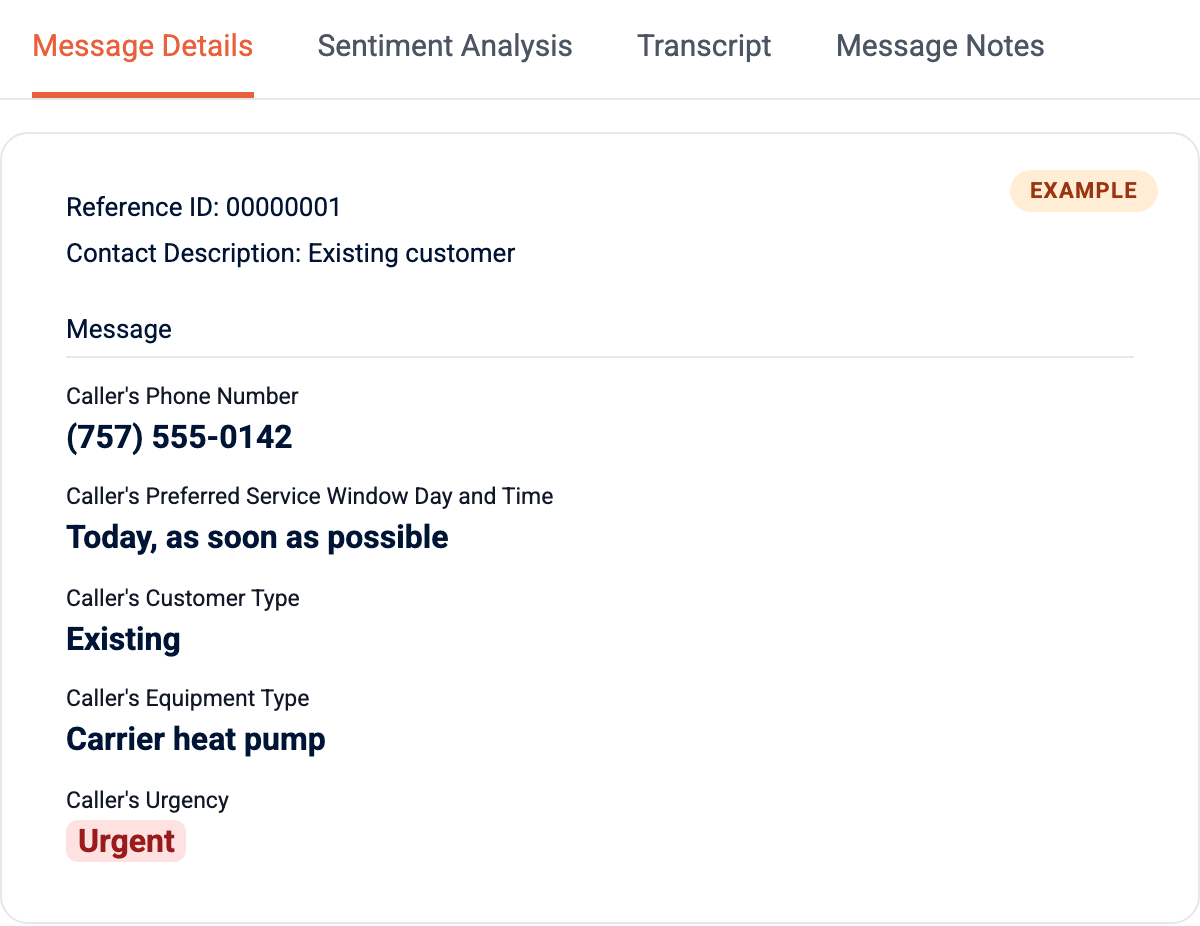
The workflow builder decides what your receptionist collects on every call. Outerbanks HVAC’s workflow collects nine things on every call. Name and phone number come first. Then the preferred service, the service window, new or existing, equipment, address, the reason for calling, and urgency. The urgency field asks “Is this urgent?” and gives set options, starting with Non-Urgent.
Use set options
A fixed list means every message sorts the same way. Write the options in your words. A plumber might use Emergency, Today, This week. A handyman might use This week, This month, Quote only.
Mark urgency without promising a time
The receptionist records urgency. It never tells a caller when a tech will arrive. Outerbanks HVAC’s knowledge base says so plainly: “We should not provide an arrival estimate that has not been confirmed.” The caller hears that the team will confirm, and the message reaches you marked urgent.
Where it shows up
Each message arrives with the same fields in the same order, so urgency is in the same place every time. Read the urgent ones first.
Talk to the HVAC receptionist and tell it the house is too hot.
Ready to stop missing calls?
Try it free, or ask the team how it would work for your business.