Gas, floods, and sparks: the calls your AI receptionist hands to a person
Some calls should not end in a message. Here is how to write the safety line, set the transfer, and test it before a real caller needs it.
November 8, 2026 · 2 min read · aiReceptionist editorial
An AI receptionist should know what it should not handle. “I smell gas” goes to a person, with a safety line first.
Three callers: HVAC, handyman, and home services
- HVAC: “I smell gas.” Safety first, in your approved words. Then a person, not a message.
- Handyman: “I drilled into a pipe hanging a shelf, and water is spraying everywhere.” Where the shut-off is, in your words. Then a person, fast.
- Home services: “The outlet sparked and now the breaker will not reset.” Your approved safety line, then the on-call electrician.
Most calls end well with a message. A few should not. You know which ones, and your receptionist should too.
Write the safety line first
For a gas smell, the caller needs to hear what to do before anything else. Use the wording your business already gives, and put it in the knowledge base. A common one: leave the house now, and call the gas company or 911 from outside. The receptionist says it, word for word, and does not improvise.
Then hand it to a person
In the workflow builder, add a transfer node after Unified Agent. In the portal it is External Patch: it transfers the call to an external number or user. Give the connection a condition the way a caller would say it: “the caller reports a gas smell”. Choose cold or warm. Cold hands the call straight over. Warm tells the person who is calling and why. More on call transfers.
Add the person first
Transfers go to your Contacts. Add the on-call tech before you build the node.
Test it
Call your own number and say the words. Check the call reaches the right phone, and read the transcript after.
Talk to the HVAC receptionist and see what it handles itself.
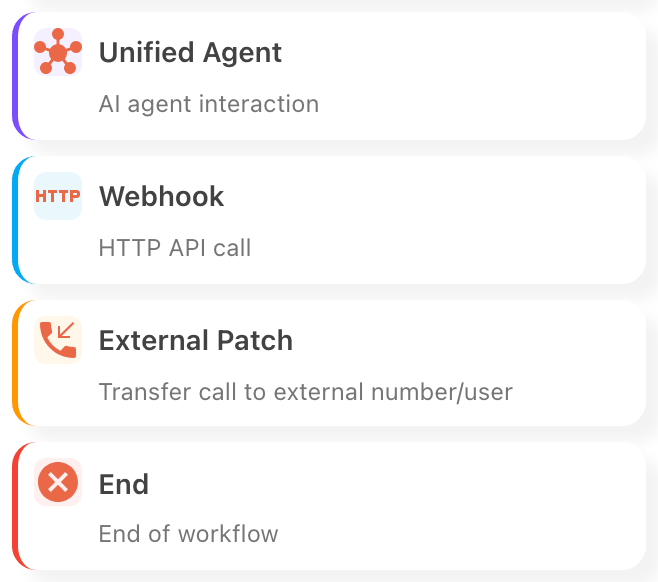
The Transfer node, External Patch in the portal, hands the call to a person. 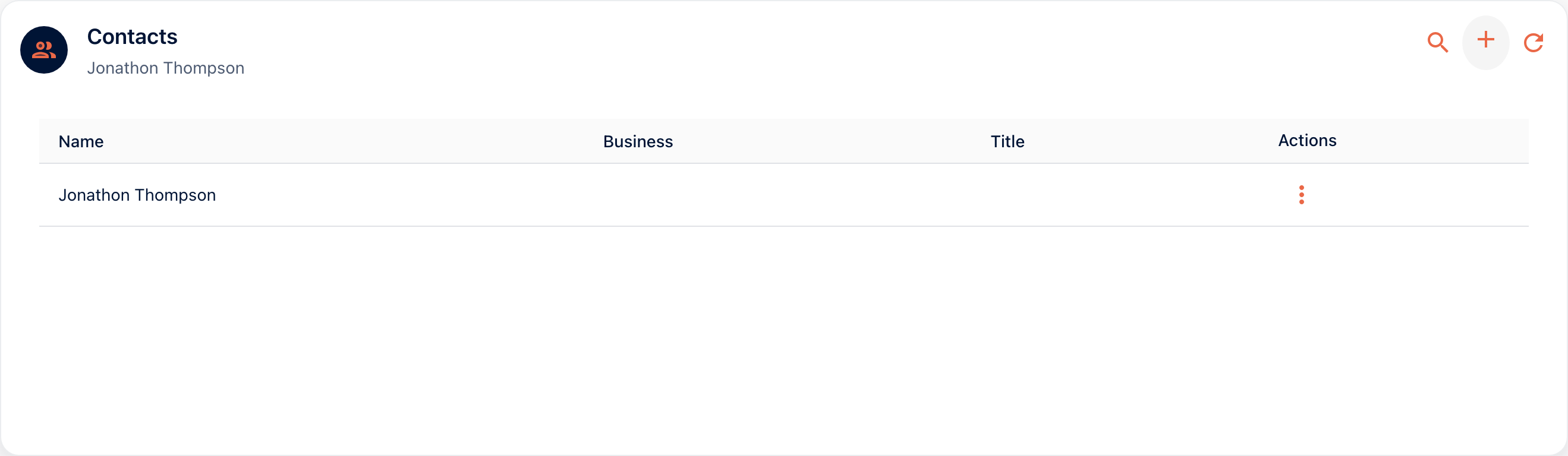
Add the on-call tech to Contacts before you build the transfer. 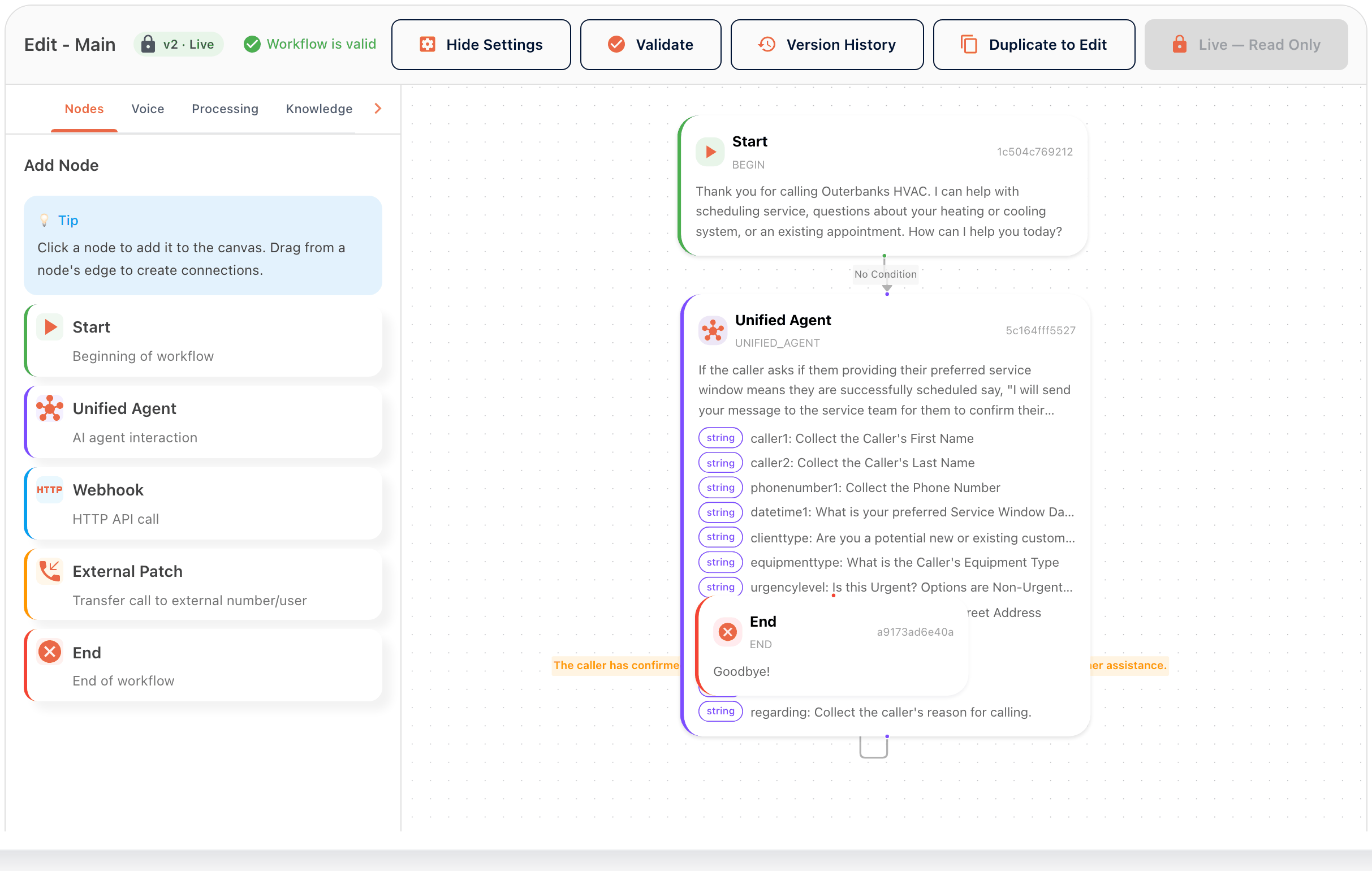
Validate the workflow, then test the transfer with a call. Hear Outerbanks HVAC’s AI receptionist answer a real call.
Ready to stop missing calls?
Try it free, or ask the team how it would work for your business.